
CGPAC Photo Day!
May 19-21, 2026 at CGPAC
We are excited for another year of pictures with the wonderful dancers at CGPAC.
Please check out the information below to learn more!
Recital Week Special!
10% off your photos if you order by June 1st

Monday, June 1st is the last day to get 10% off your print picture packages with complimentary shipping to CGPAC (prices listed on GotPhoto reflect the discounted price)!
BEFORE THE DAY:
- Make sure you've taken costumes out, have everything labeled, know how your hair should be worn, accessories, etc. (double check costume chart)
- SUNSCREEN! Please be careful outside, and wear lots of sunscreen these next 2 weeks so you aren't super sunburnt for photos and recital!
- RAIN: please make sure you are DRY since it's raining outside. Plan ahead, and don't show up with wet tights and costumes! Remember that dance shoes are NEVER to be worn outside.
- As it's the end of the year, there will be lots of parties, etc. Try your best to avoid temporary tattoos, etc.
ON THE DAY:
- The time assigned to your class is the time you need to be ready to go for photos. Please arrive a few minutes before that to ensure you're there on time!
- The front studio is available as a "dressing/holding room" for you all. You can keep your belongings in there, grown ups can hang in that room if you're staying, and dancers should remain in there between photos.
- You should be fully dressed and ready to go at the time assigned to your class.
Here is an example between the proofs you will see online and the product you will receive!
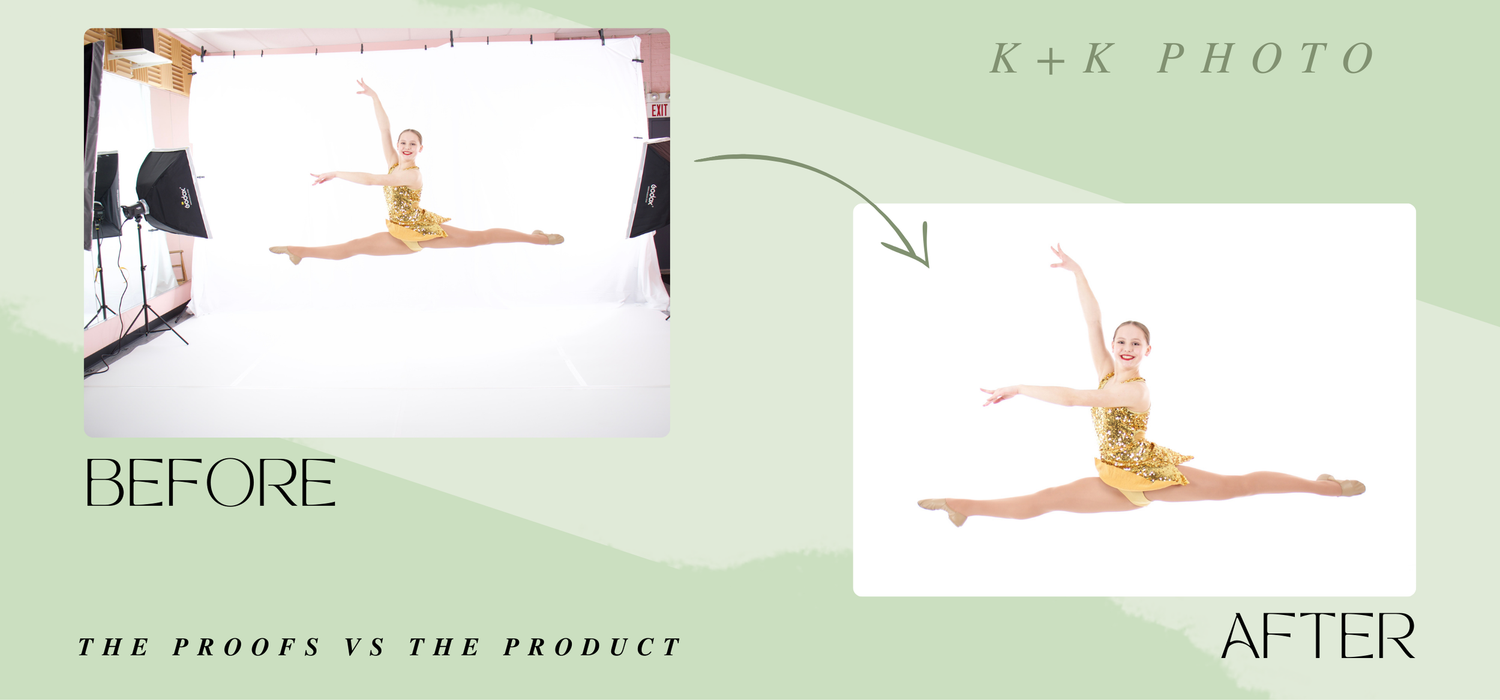
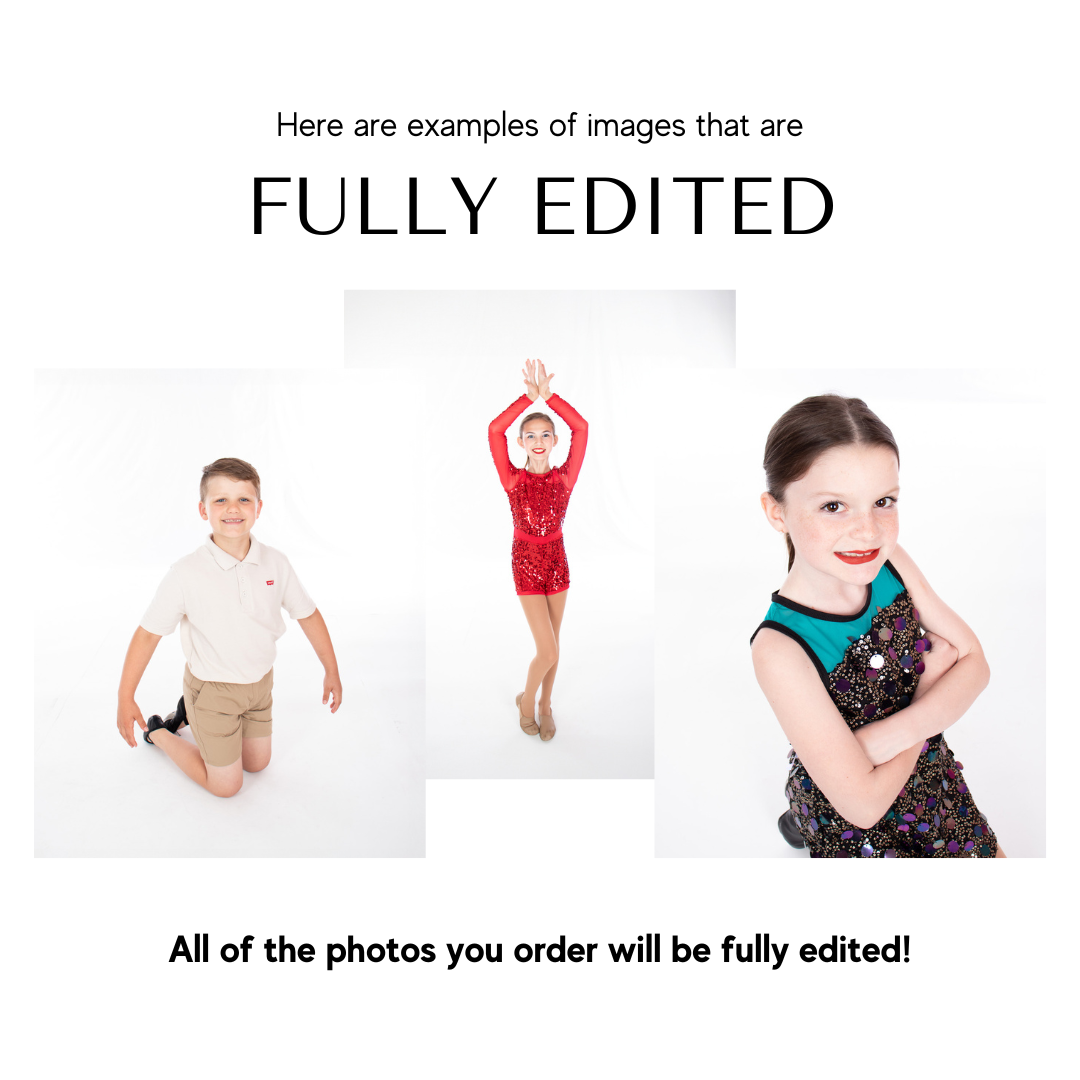
All photos and print products will be fully edited, cropped, and retouched for you with no extra fee.
What do unedited pictures look like?
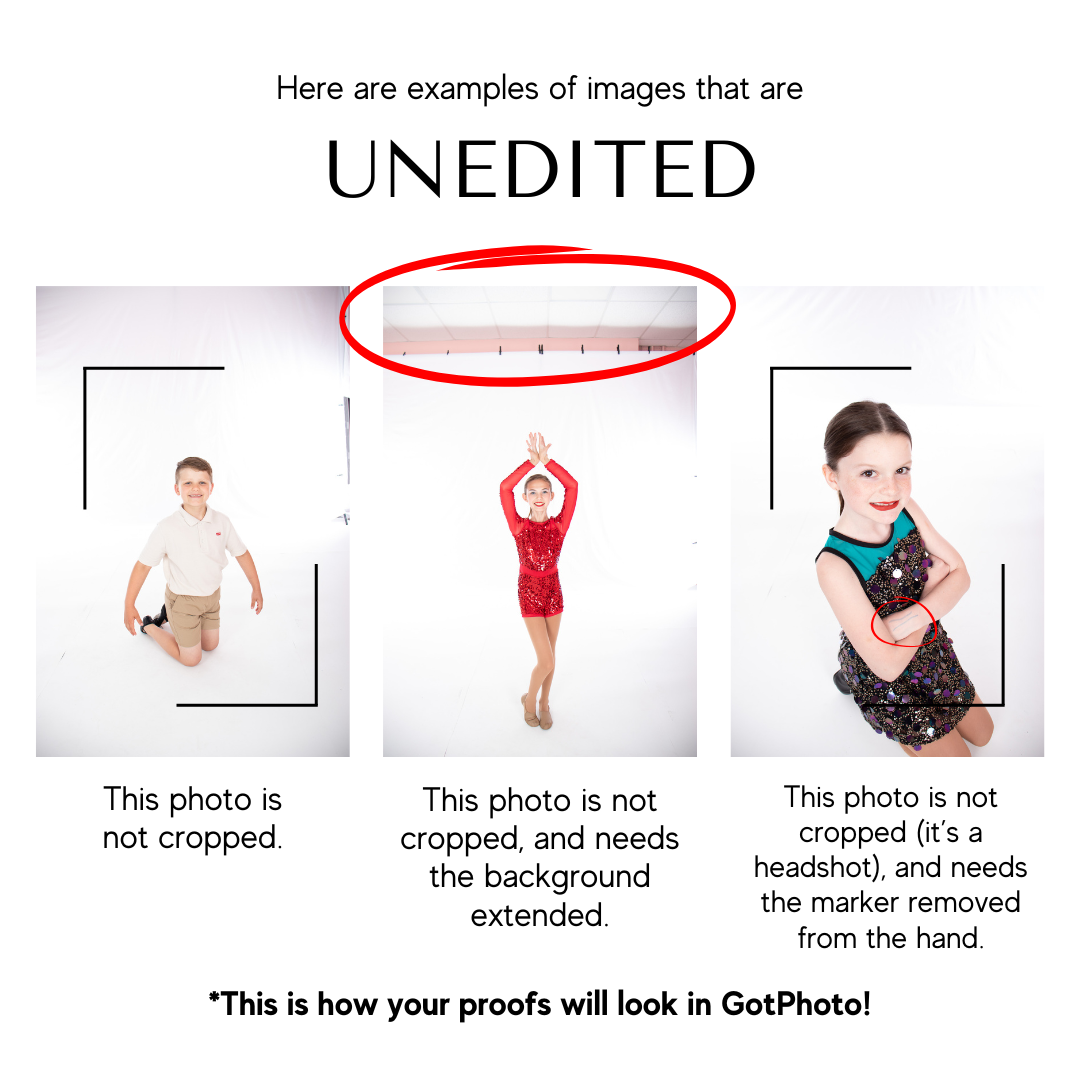
The pictures you are viewing in your gallery on GotPhoto are unedited photos. Here are some examples of what those UNEDITED photos look like.
As you can see, the background has not been cropped, and small things (marks on the floor, temporary tattoos, etc) have not been retouched.
F.A.Q.s
"How do I order my photos?"
We took individual pictures of all students who came to picture day at CGPAC! You will be receiving an email from K+K Photo with your access code for each dancer, as well as a paper sheet with a QR and access code for each of your dancers.
"I purchased digital downloads of my photos. Do they download automatically?"
Your digital downloads will NOT download automatically, since we are fully editing those for you. Once they are edited and ready to go, they will be sent to you!
"I have multiple students taking pictures. How can I access all of their photos together?"
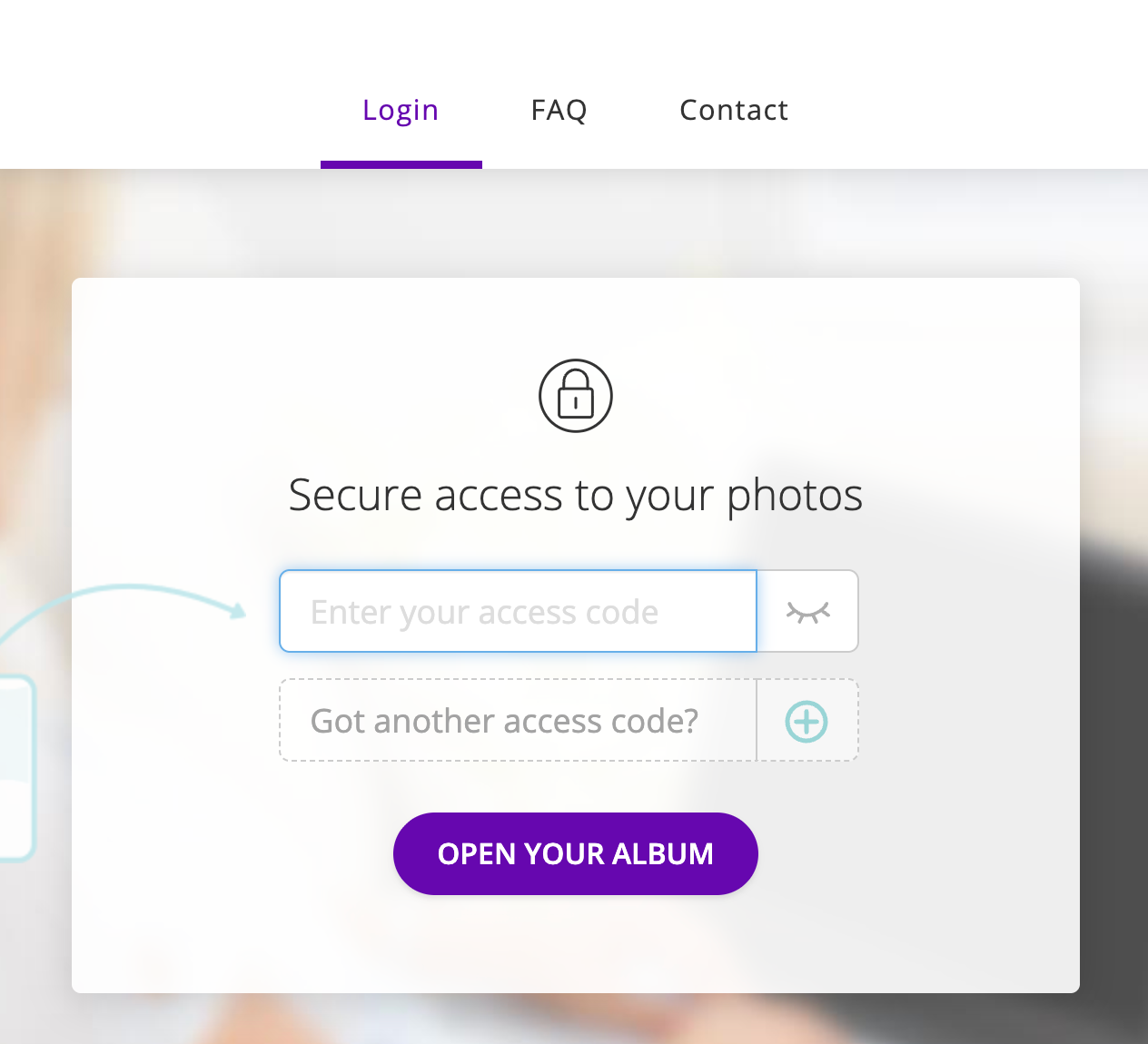
If you have multiple students, you will be able to add all of their access codes to the initial sign in page to see and order all of their photos together! (see below)
"How do I get my prints? Will they be sent to me, or do I pick them up?"
All photo prints ordered before June 21st will have complimentary delivery to CGPAC for you to pick up later this summer.
If you would prefer to have our print products shipped directly to you, you can choose to pay for shipping at checkout.
"Do I have to purchase anything?"
You do not need to purchase any pictures. We took individual pictures of everyone, so you have the option to purchase any of them. But no, there is no requirement for purchase.
"CAN MY STUDENTS TAKE SIBLING PHOTOS TOGETHER? HOW DO WE DO THAT?"
If you have siblings who want to take photos together, please choose a time slot assigned to ONE of your dancer's classes that works for both of them, and send the second sibling in with them (in whatever costume you prefer). If you have questions about this, please email us: photo.kandk@gmail.com
Additional Notes for Ordering Photos
Issues / Instructions with Group Photos in Packages
If you are ordering a package with a group photo, you may run into a technical glitch on the website where the group photo does not match the individual photos you are trying to order. If this is the case and it won't let you select the correct group photo, please send us an email (photo.kandk@gmail.com) with the correct group picture you would like and we will change it on our end. We apologize for this inconvenience.
For some classes, we've given you multiple group photo options for you to choose from. In order to view all options, go to the "Individual Photos" tab on GotPhoto to view the options. If the package won't let you choose the one you want, just send us an email (see instructions above) and we will adjust that on our end.
Students with Glasses
If your student wore glasses to photos, you will see two options for each photo in their gallery: the photo with glasses on and without glasses on. If you want their glasses in the final picture, please select that photo and we will do photoshop magic to make sure there is no glare. If you would prefer the photo without glasses, please select that photo when you check out!
All group photos have the edits done already.